 SciGalaxy Tutorial
Start here
What SciGalaxy does, and how to get a first map from a sample project.
SciGalaxy is the browser alternative to CiteSpace. The algorithms follow CiteSpace (Chen, 2006). You bring in a set of records, and SciGalaxy builds a co-citation, co-occurrence, or collaboration network in the browser, then runs Louvain clustering and Kleinberg burst detection. The original file stays on your machine. It is not uploaded.
There is nothing to install. Open a sample, pick a goal, and read the map. SciGalaxy and CiteSpace are separate programs.
A first map
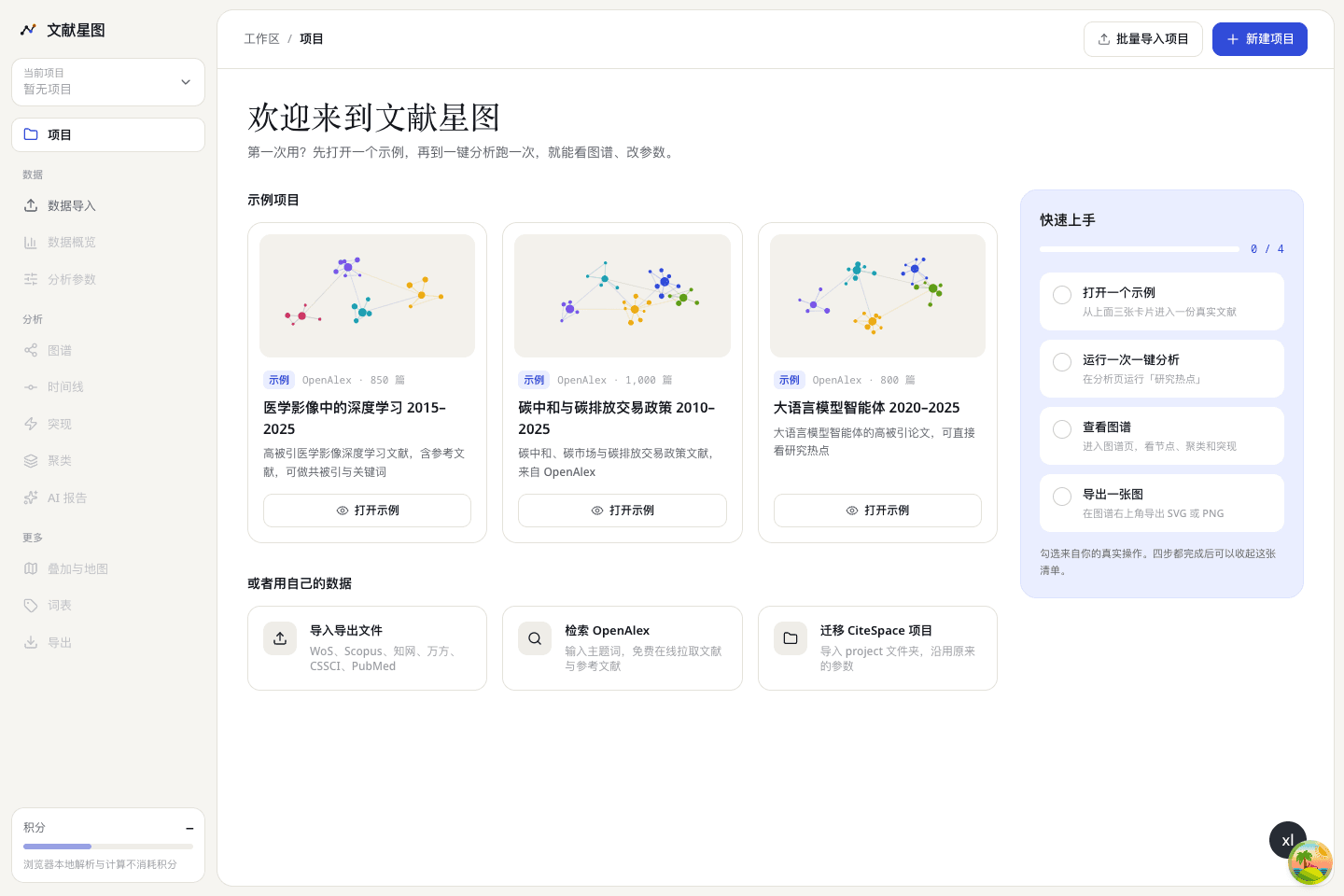
Open a sample
The project page has three sets of OpenAlex open data: deep learning in medical imaging, carbon neutrality and carbon-trading policy, and large language model agents. Choose Open sample.
Run one analysis
Open the analysis page, choose Research hotspots, and start. That goal builds a keyword co-occurrence network: what the field writes about, and which terms are heating up.
Read the map
On the graph, a larger circle means a higher count. One color is one cluster. A red ring marks a burst. Q and S in the corner tell you whether the structure holds together. See How to read the map.
Export
Use the export button on the graph. For a journal, take SVG or PDF, or a PNG at 600 dpi. SciGalaxy also writes a caption and a methods paragraph in Chinese and in English from the settings of that run.
Where to go next
- Your own download: Import your records
- What the six goals answer: One-click analysis
- Timeline, landscape, and the map: Views
- Putting a figure in a paper: Export and writing